
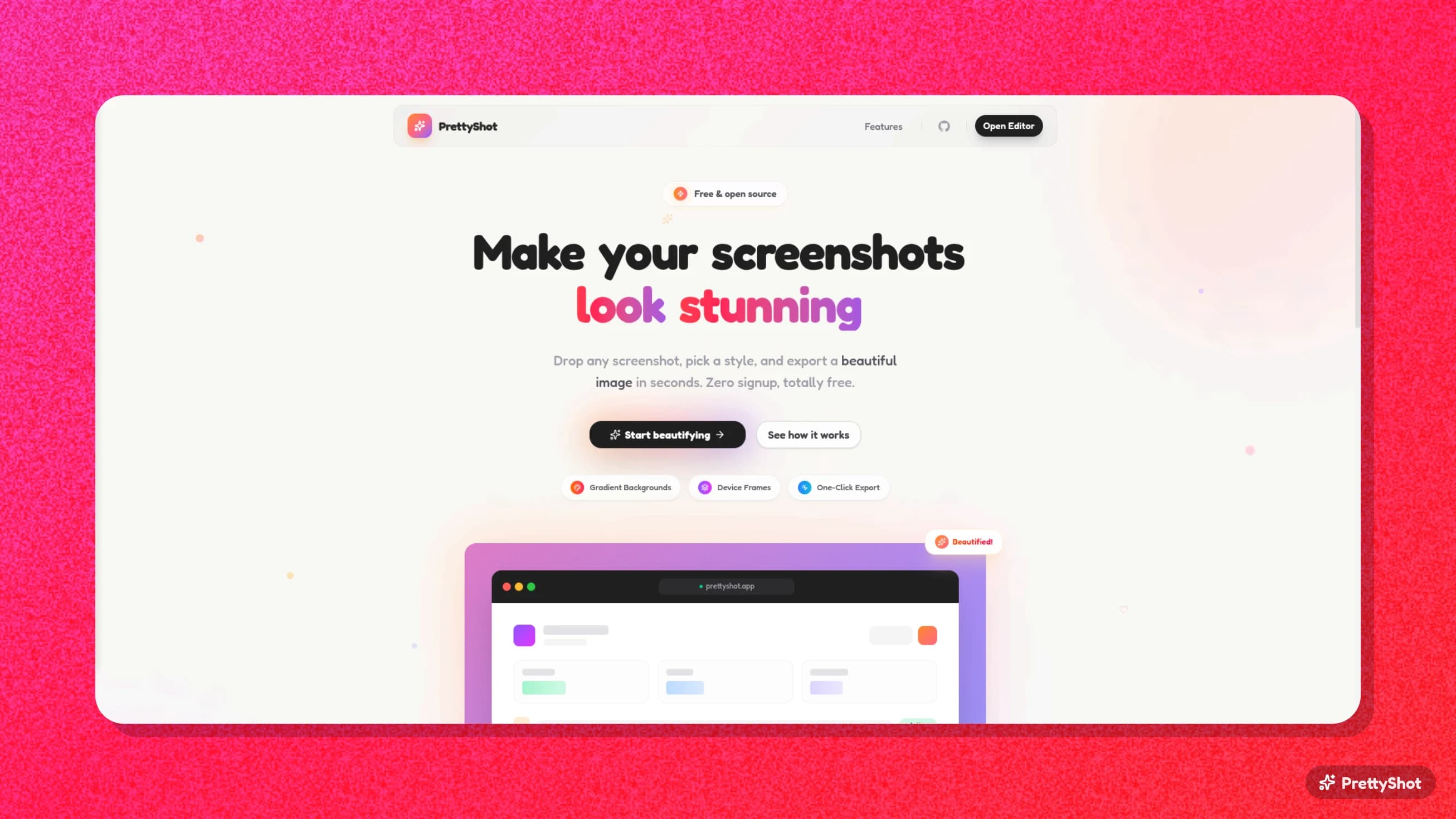
I kept seeing the same thing on Twitter and product pages. People would take a plain screenshot and then spend time in Figma adding a gradient background, a nice shadow, maybe some rounded corners, just to make it look presentable. Some tools exist for this but they're either paid, require an account, or slap a watermark on your export.
I wanted something I could just open in a browser, drop a screenshot, tweak a few settings, and export. No signup, no watermark, no nonsense. So I built PrettyShot.
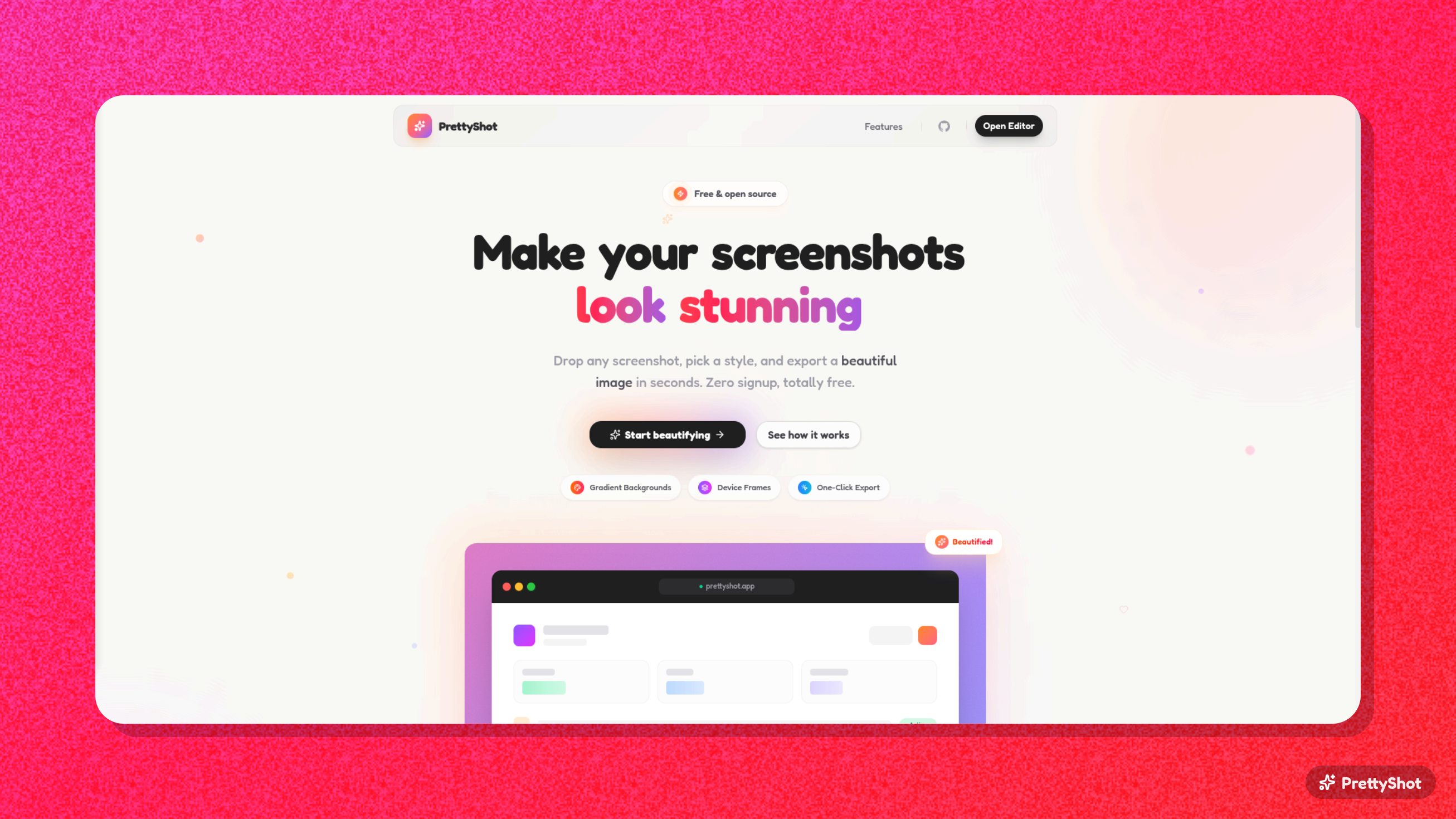
How it works
The whole thing runs in your browser. You drop an image, customize it with the sidebar controls, and export when you're happy. Nothing gets uploaded to a server.
Drag and drop any screenshot into the editor, or click to upload. The image loads instantly into the preview canvas where you can start styling it right away.
The sidebar gives you full control over how your screenshot looks:
- Background from gradients, mesh gradients, solid colors, or upload your own
- Shadow with presets (Soft, Medium, Hard, Sharp, Elevated, Glow, etc.) and a full color picker
- Noise texture to add grain for that premium feel
- 3D perspective to tilt, rotate, and angle the screenshot
- Border radius and padding sliders
- Aspect ratio presets for Auto, 16:9, 4:3, 1:1, and 9:16
Export as PNG or JPG at 1x, 2x, or 3x scale. You can also copy the result straight to your clipboard with one click, ready to paste into Slack, Notion, or Twitter.
Why I built it this way
Everything happens client-side using html-to-image for the capture and Zustand for state management. There's no backend, no file uploads, no tracking. The editor state lives in a single Zustand store so every control updates the preview in real time.
The gradient and shadow presets are all defined in a single presets file, making it easy to add new ones. The export function supports both PNG and JPG with configurable pixel ratios, so the output is always sharp no matter where you use it.
Privacy by default
Your images never leave your browser. PrettyShot doesn't upload anything to any server. The entire rendering and export pipeline runs locally.
The details that matter
- 12 gradient presets like Sunset, Ocean, Forest, Midnight, plus 6 mesh gradient backgrounds for more organic looks
- 7 shadow presets from subtle to dramatic, each with a color picker so you can match any brand
- 3D perspective controls with separate X, Y, and Z rotation sliders for dynamic hero shots
- Noise texture overlay with an opacity slider to add film grain to backgrounds
- One-click clipboard copy so you can paste directly into whatever you're working on